More copies of Book 1 on the way!

Hey everyone! As mentioned a while back, we sold out of our signed copies of Feralia Revised Edition. We’ve ordered a bunch more and they’re on the way, with an expected delivery date of February 9, 2023! We’ll update here (and on social media) as soon as they arrive. In the meantime, you can still order (non-signed) copies from Amazon or any of the major sellers (links here).

As always, thanks so much for checking out the stories!

-Clint

Posted in News | Tagged , , , , , , , , | Leave a comment

Feralia.net blog. episode 139: Featured short film: While Mortals Sleep

© Alex Fofonoff, Video Horse Films

It’s been a while since I featured any bands, artists, or creators, so I wanted to take a moment to talk about a short film I recently got to watch, While Mortals Sleep. I won’t get into the plot, for fear of spoilers, but if you’re into horror, sci-fi, or, like me, weird stuff in general, take 14 minutes, sit back and relax, and watch it HERE, on Short of the Week.

A few things that I loved about the film are the retro look, amazing camera work, and soundtrack by Danz CM. Written and directed by Alex Fofonoff, produced by Matthew James Reilly and released by Video Horse, While Mortals Sleep is a fun experience, both dreamy and weird. The first time I watched it, it was on a small screen with a good pair of headphones, which made for a great experience with the audio and music. I’d recommend watching it once with headphones for the experience, but it also looked great on a larger TV screen when I rewatched it with my wife. Lastly, I’d be remiss not to give the camera work another mention – the super slow zoom-ins in particular were mesmerizing. Defintely check it out!

-Clint

Posted in Blog, Features, Reviews | Tagged , , , , , , , , , | Leave a comment

Feralia.net blog. episode 138: Music Project!

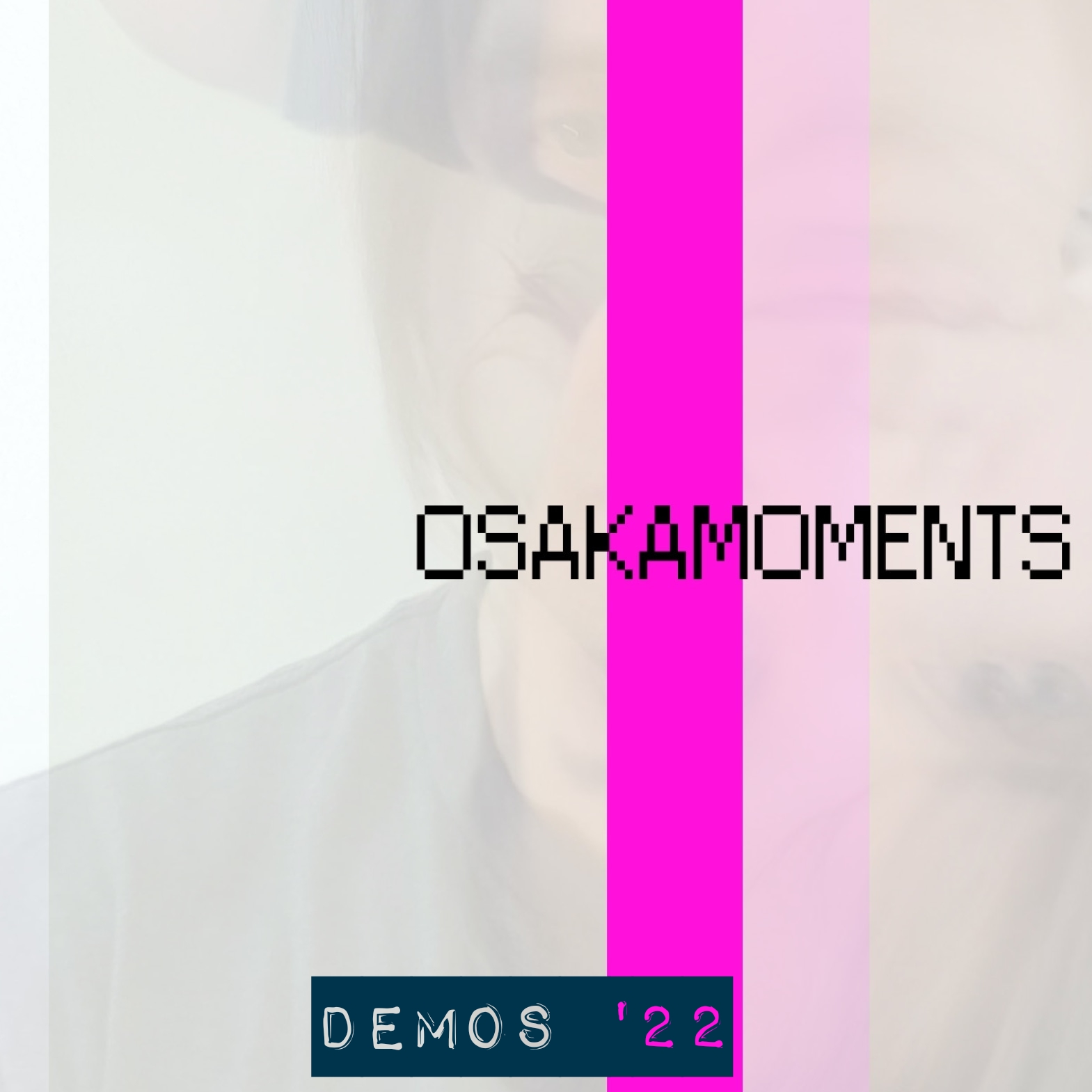
So, work has been crazy, but I’ve been managing to find some time to create. A new project of mine. OSAKAMOMENTS, explores synthesiszers and weird and dreamy music. Today I released the ‘Demos ’22 EP.’ You can stream it on SoundCloud and check out some of the sounds and moods I’ve been working on. Check it out here:

OSAKAMOMENTS website

OSAKAMOMENTS SoundCloud

Demos ’22 EP

OSAKAMOMENTS Linktree

Thanks for listening! I plan of having some news on Feralia: Book 3 soon as well.

-Clint

Posted in Blog, Features, News | Tagged , , , , , , , , | Leave a comment

Signed copies of Book 1 temporarily sold out

Update 1/27/23: More copies are on the way, and should be arriving around February 9, 2023!

Hey everyone! Thanks so much for your support and checking out the stories. At the moment, signed copies for the first story, Feralia: Revised Edition, are sold out. We do have more on the way, but we don’t have a date yet. We’ll update here on the website as soon as we have an ETA.

In the meantime, you can still order (non-signed) copies and e-books from retailers like Amazon. (Check the link above for all the info.)

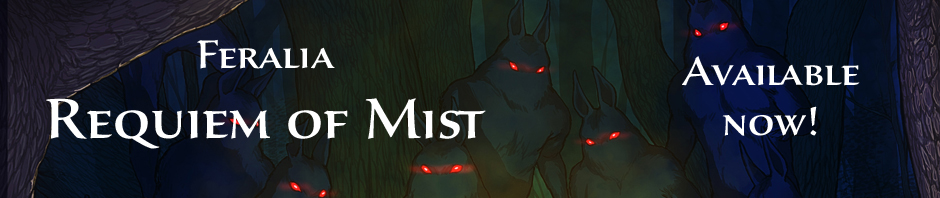
We still have signed copies of Feralia: Requiem of Mist available.

My sincere thanks again for your support! Check back soon for news and announcements!

-Clint

Posted in News | Tagged , , , , | 1 Comment

Feralia.net blog. episode 137: Early summer update

Sorry it’s been so long since my last entry! I’ve been keeping busy, but that’s a good thing. Writing has been productive overall – I’ve made good progress on Feralia Book 3 as well as some other projects that I’m excited to share as soon as they’re further along.

Let’s stay safe and have a wonderful, creative summer!

-Clint

Posted in Blog, News | Tagged , , , | Leave a comment

Feralia.net blog. episode 136: 2022 – Let’s do this!

We’re already a couple months in, but let’s make 2022 a wonderful year. Love. Create. Take care of yourself. Be okay with yourself. Find the positivity you need and harness it. If you write, keep writing!

-Clint

Posted in Blog | Tagged , , , , , | Leave a comment

Feralia.net blog. episode 135: The last conventions of the year – see you in 2022!

Just wanted to take a quick moment to thanks everyone who stopped by to grab a book(s) this past weekend at Tekko and Ocean City Comic Con (even though I wasn’t able to attend the latter in person this year)! The response was overwhelming, leaving very few books left over. Thanks to everyone venturing into Feralia for the first time, as well as those who are continuing the adventure!

Hopefully things will go smooth enough in the world and I’ll be able to get out to my pre-pandemic number of conventions in 2022. Hope to see you at a show near you!!

-Clint

Posted in Blog, News | Tagged , , , , , , , , , , , , | Leave a comment

Feralia.net blog. episode 134: Convention Thank You’s!

With conventions starting back up we’ve had a crazy schedule, with 10 straight weekends of events! While this has made it hard to get any writing done, it’s been great reconnecting with people of all fandoms and especially readers! Thanks so much to everyone who has stopped by to pick up a book or even just talk writing!

After doing around 34 events per year, most were forced to cancel because of the pandemic, leaving us with a total of 4 shows in 2020 before things got bad. 2021 has been better, allowing us to do 16 so far this year. We’ve only got 2 more to go (Ocean City Comic Con and Tekko) before 2021 is in the books! Hopefully 2021 will gradually get even better.

Thanks so much again and I hope to see you at an event near you soon!

-Clint

Posted in Blog, News | Leave a comment

Feralia.net blog. episode 133: Backing up your writing

It’s probably happened to all of us, at least people like myself who started off with technology that wasn’t as reliable as we have today: something goes wrong. The computer freezes. Or maybe the power goes out. You find yourself losing the hard work which you’d poured so much effort into. You’d put so much thought to wording a character’s dialog, or painted the perfect description of their environment. All gone. Hopefully it was only minutes of work, but perhaps it was worse.

Thanfully things are SO much better today! Sure, nothing’s perfect, but what we have now is leaps and bounds above older computers. Here’s what I’ve found to be extremely helpful.

Automatic online backup. This has been the most important feature for me. I personally use Microsoft’s One Drive because it works perfectly with Word (but there are other options out there that I’m sure many of you use). As you write using Word backed up with One Drive, your work is saved and back up as you write. I rarely need to do it manually, though I do every so often to be safe or before closing the project I’m working on for good measure.

Another big advantage is no longer being tied to one device for your writing projects. Accessing your work on One Drive ensures that you can securely sign in on any of your devices. For example, you may love working from your desktop, but want the option of writing on the go while traveling or vacationing. There’s no longer a need to transfer your work between computers when working from an online backup. I used to love writing from my desktop, but now I’m almost 100% on laptop.

An additional advantage with One Drive (and likely other similar programs) is that you can even access it, along with Word, on your phone. While a phone keyboard isn’t ideal, it’s always nice to have the option when the inspiration to write strikes, or when you suddenly come up with the story part you’ve been thinking about. I use a Samsung Galaxy Note – which has a slightly bigger screen than its smaller counterparts – and change the keyboard to the largest setting. It’s still not the most convenient or comfortable way to write, but it gets the job done when I end up on the road with an opportunity to write with only my phone.

One thing to also make sure of is keeping your account secure. It’s a good idea to have any device with access to your writing password protected. When using a desktop or laptop, it’s a good idea to require a PIN number or password to log in. The One Note mobile app takes it a step further, allowing the option to require a PIN number to log into the app itself. Taking a few seconds to log in is worth the peace of mind.

It’s still cool to make your own backups. While the automatic backups are great, having your own is never a bad idea, so I’d still recommend doing it every so often. Nothing’s totally infallible, so in the off chance you lose access to your online backups, you’ll have a “physical” back up as well. I have a couple of external hard drives that I use exclusively for backing up important things like writing files.

These few things have helped me a lot – I haven’t lost work in quite some time – and I hope they’ll help you a bit!

-Clint

Posted in Blog, Features | Tagged , , , , | Leave a comment

Feralia.net blog. episode 132: My ideal laptop for writing (finally!)

A few years back I made entry about my search for a good laptop for writing. Unfortunatley the model I went with ended up being a bad choice. Fast forward to today, I’ve finally found one that I’m really happy with. I actually ended up finding it when shopping for a laptop for my daughter to use for online school during the pandemic, and fell in love with it. It’s the HP Pavilion x360. It’s been perfect for her schooling, but has also been an amazing writing laptop as well.

Here are a few of the specs for my Pavilion x360:
14″ touch screen
10th gen Intel Quad-Core i5-1035G1 processor
16GB RAM
Hard drive: 512GB SSD

Another big plus for me is that the laptop is convertable into a tablet, so you have options for how you’d like to write.

As a writing laptop it’s been amazing and super-fast. The hardware is more than powerful enough for writing and other every day work.

Here are a list of pros and cons I’ve experienced so far.

Pros:

  • Starts up extremely fast when powering on and restarting.
  • Runs fast in general in every application I’ve used so far.
  • Windows 10 has run totally smooth with no hangups so far.
  • The solid state dard drive means no moving parts (which to me means: less to break!)
  • It’s so light! Weighs in at a little over 3 pounds.
  • The display is really nice and the touch screen works well.
  • More than enough power for writing.
  • Works well and fast with Photoshop Elements, in case you use that program for light designing like myself.
  • Backing up your writing is super easy and automatic with One Drive (I’ll have more on that in an upcoming entry.)
  • The battery life has been outstanding so far.
  • The ability to convert to a tablet is super convenient, and if you like to type on the touch screen, is another option for writing.
  • While I haven’t had the laptop long, so far the construction has seemed durable.

Cons:

  • While it’s nowhere near the most expensive laptops out there, it isn’t cheap.
  • It may be a little more than what you need if only using it for writing.

In conclusion, the x360 has been amazing for me. Is it overkill? Perhaps. But after my last experience I’m finding that you get what you pay for, so it’s been more than worth it for me personally. If the x360 is more than you’re looking to spend (which is totally understandable), I’d recommend avoiding super cheap laptops, and try to get something that has better specs than that of my last experience, which ended up being pretty much useless. You may be able to strike a balance and find something reliable that works for you. If you can spring for the x360 however, I highly reccomend it.

What do you use for writing? Has it been a good or bad experience? Let me know in the comments here or on Facebook!

-Clint

Next up: Backing up your writing

Posted in Blog, Reviews | Tagged , | Leave a comment